
Apple Watch app
Remate
Padel score on your wrist. One tap per point.
Points, games, sets, tiebreaks, who serves and when to switch sides, so nobody has to remember the score mid-rally. No phone, no account. Free.
Apple Watch only (watchOS 11 or later). No iPhone app needed: install it from the App Store on your watch. English, Spanish and Russian.
01
Bottom half
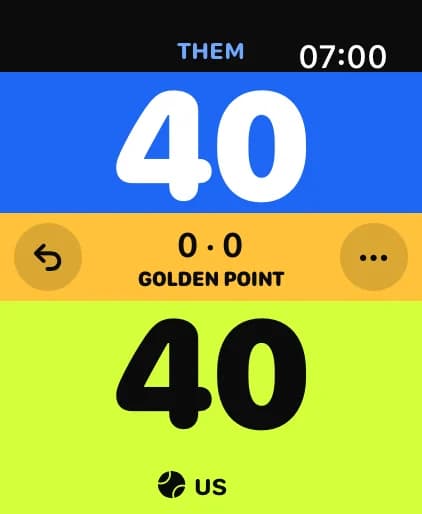
Your point. The screen is split like the court, so there is nothing to aim at.
02
Top half
Their point. Huge zones you can hit with sweaty hands, without looking.
03
Digital Crown
Tapped the wrong side? Turn it back to undo, as far back as you like, and forward to redo.
FIP rules
Deuce your way
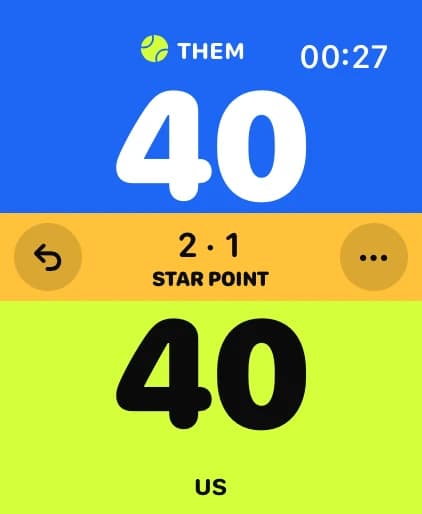
Golden Point, Star Point (the default) or Advantage, with tiebreaks and a super tiebreak when you want one. The centre band shows the score of the game.
- Golden Point, Star Point or Advantage
- Best of 3, best of 3 with a super tiebreak, or one set
- A serve ball shows who serves, and a cue tells you when to change ends
Rally mode
Mexicano: every rally counts
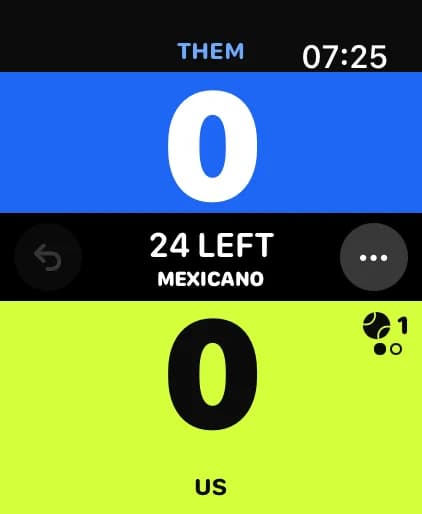
Play to a total of 16, 21, 24 or 32 rallies. Remate counts what is left and moves the serve for you, so the game stays about the padel.
- Rallies left always on the centre band
- 2 or 4 serves per turn
- Optional change of ends at half time
Built for the court
Stays on screen, saved to Apple Health
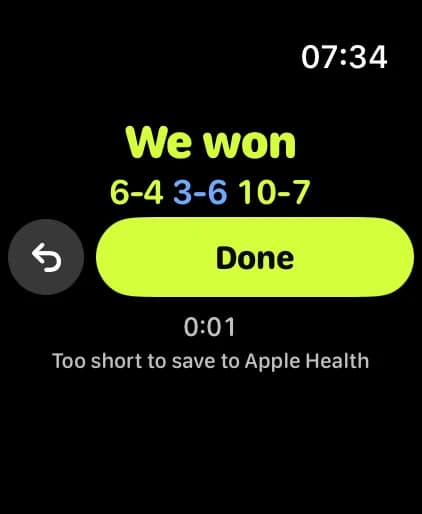
The score stays on screen while you play, in Always-On too, instead of dropping back to the watch face. When you tap Done, the match is saved to Apple Health as a Tennis workout, because Health has no padel type.
- A different haptic for a point, a game, a set, the match, a change of ends and an undo
- Leave the app and your match is kept
Decline Health access and you can still score every point, but the screen may return to the watch face.
Start
Start in one tap
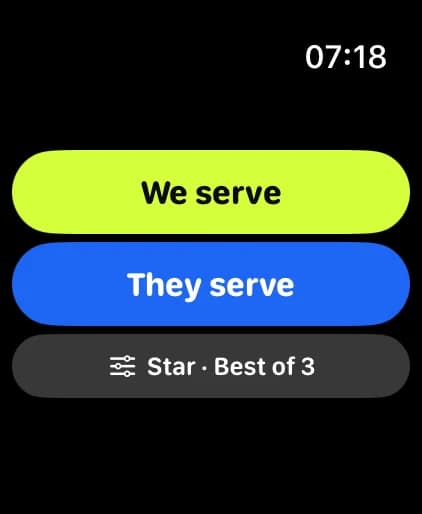
Pick who serves and the format, then tap. Add the launcher complication to your watch face to open Remate in one tap, with wet hands too.
- Works without your iPhone nearby
- No account, no setup, no data collected
Private by design
No account, no ads, no analytics or tracking in the app. Match data stays on your watch and in Apple Health. Read the privacy policy.
Support
Questions, bug reports or ideas: write to [email protected]. Remate is published by PIXOVO LLC (company details).